
CUSTOMER PORTAL
Stop answering
“when's my next service?” calls
Give customers a branded self-service portal service visibility, invoices, payments, and support in one place. Your office gets its mornings back.
Customer Communication Without the Chaos
One system for messages, notifications, requests, and customer updates, automatically synced between office, drivers, and customers.
Smart Notifications
Auto updates, ETAs, invoices, and service confirmations.
Unified Inbox
Texts, emails, and portal messages in one conversation thread.
Two-Way Chat
Office and field teams communicate instantly.
Every message, notification, and request stays synced across office staff, drivers, and customers.
CUSTOMER ACTIVITY NO CALLS NEEDED
Your customers, handling it themselves
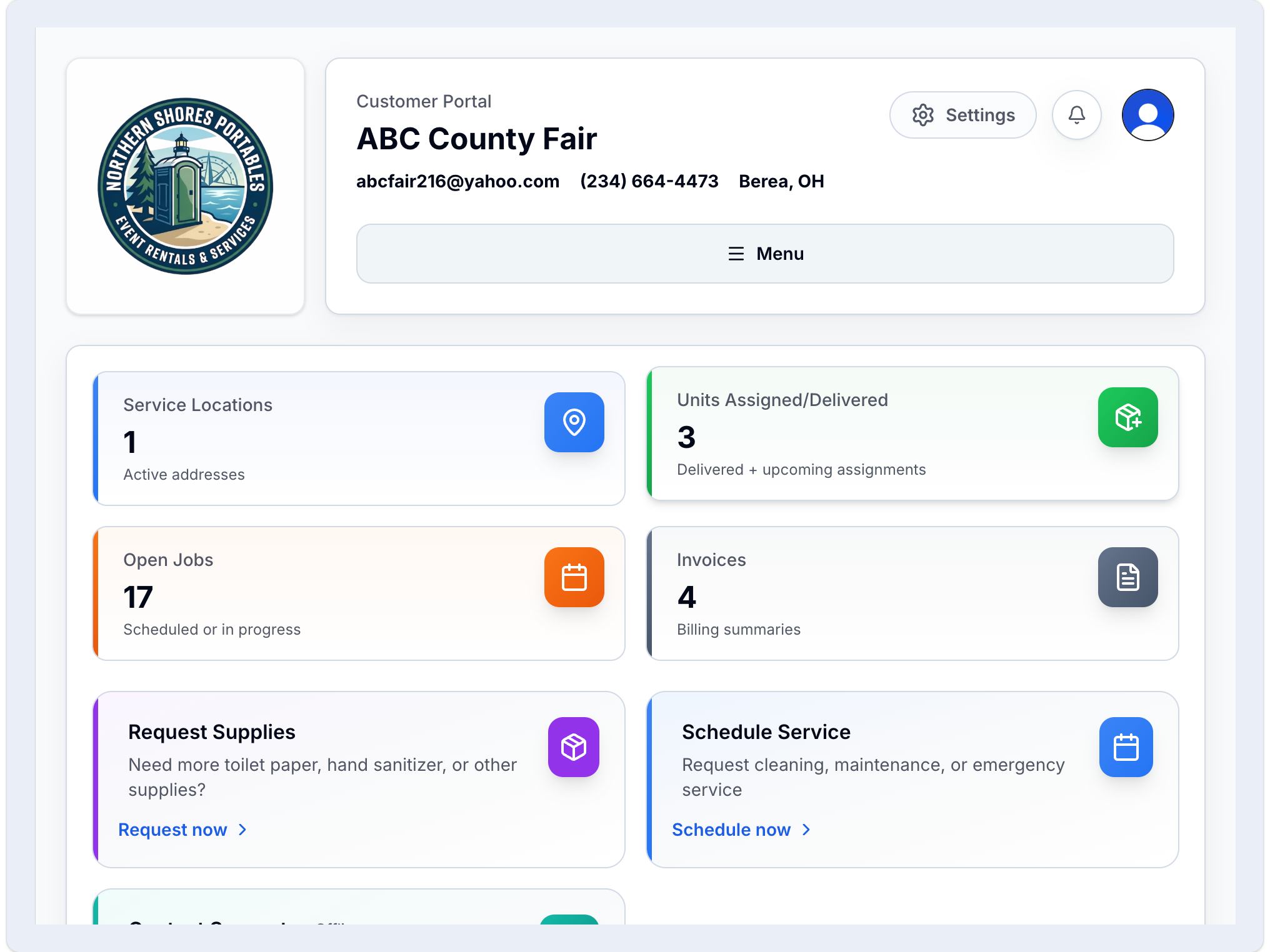
Customers check schedules, download invoices, and submit requests on their own without calling your office.
Marcus T.
just nowViewed upcoming service Thursday 8–10am confirmed
Lisa M.
4 min agoDownloaded invoice March balance $240
80%
80% fewer routine inbound calls
24/7
Customers access schedules, invoices, and requests anytime
Self-service
Customers handle invoices, payments, and requests without calling
Branded
Portal, emails, and experience match your company
Custom Branding
Your Brand. Your Platform. Your Login.
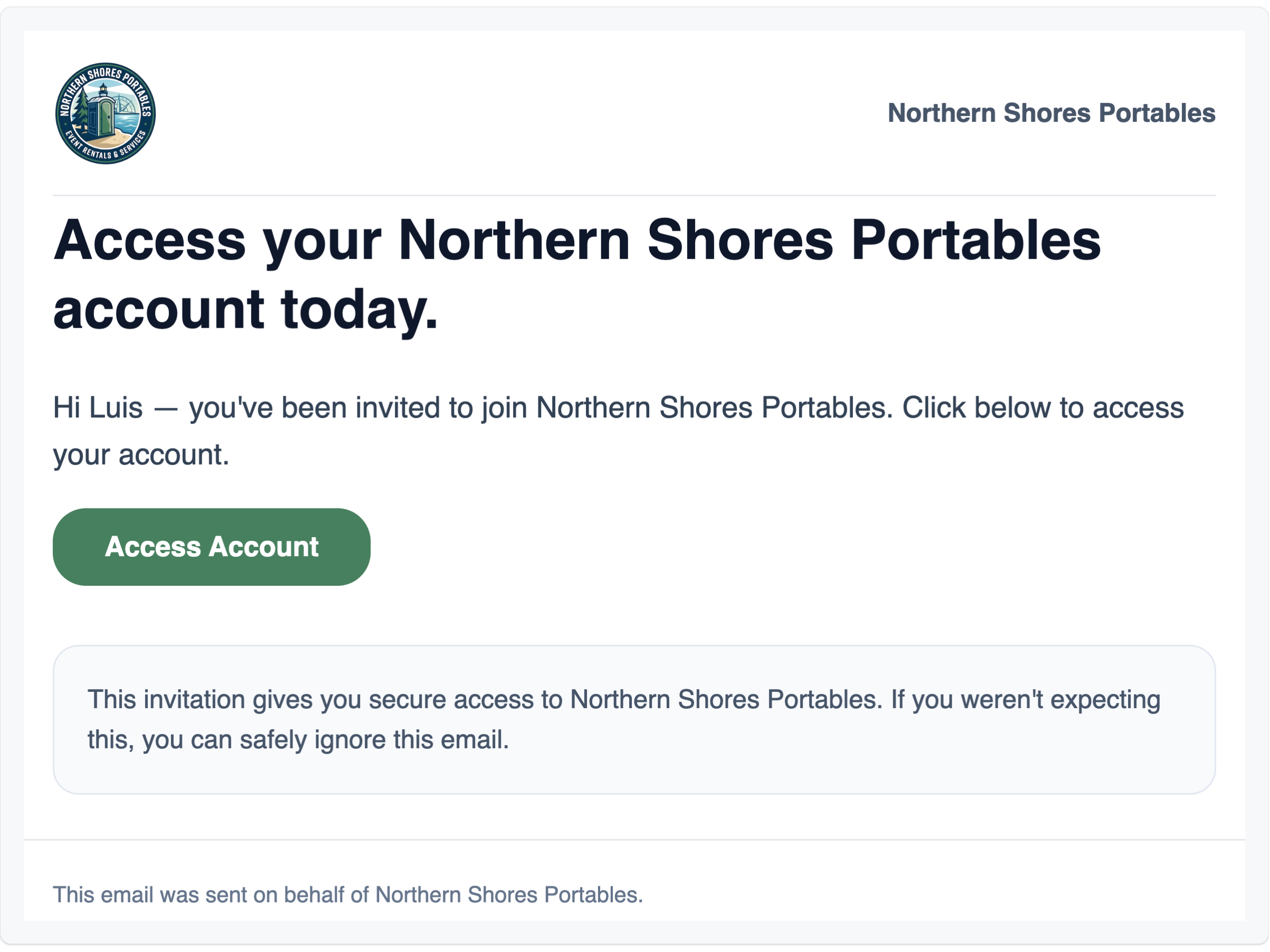
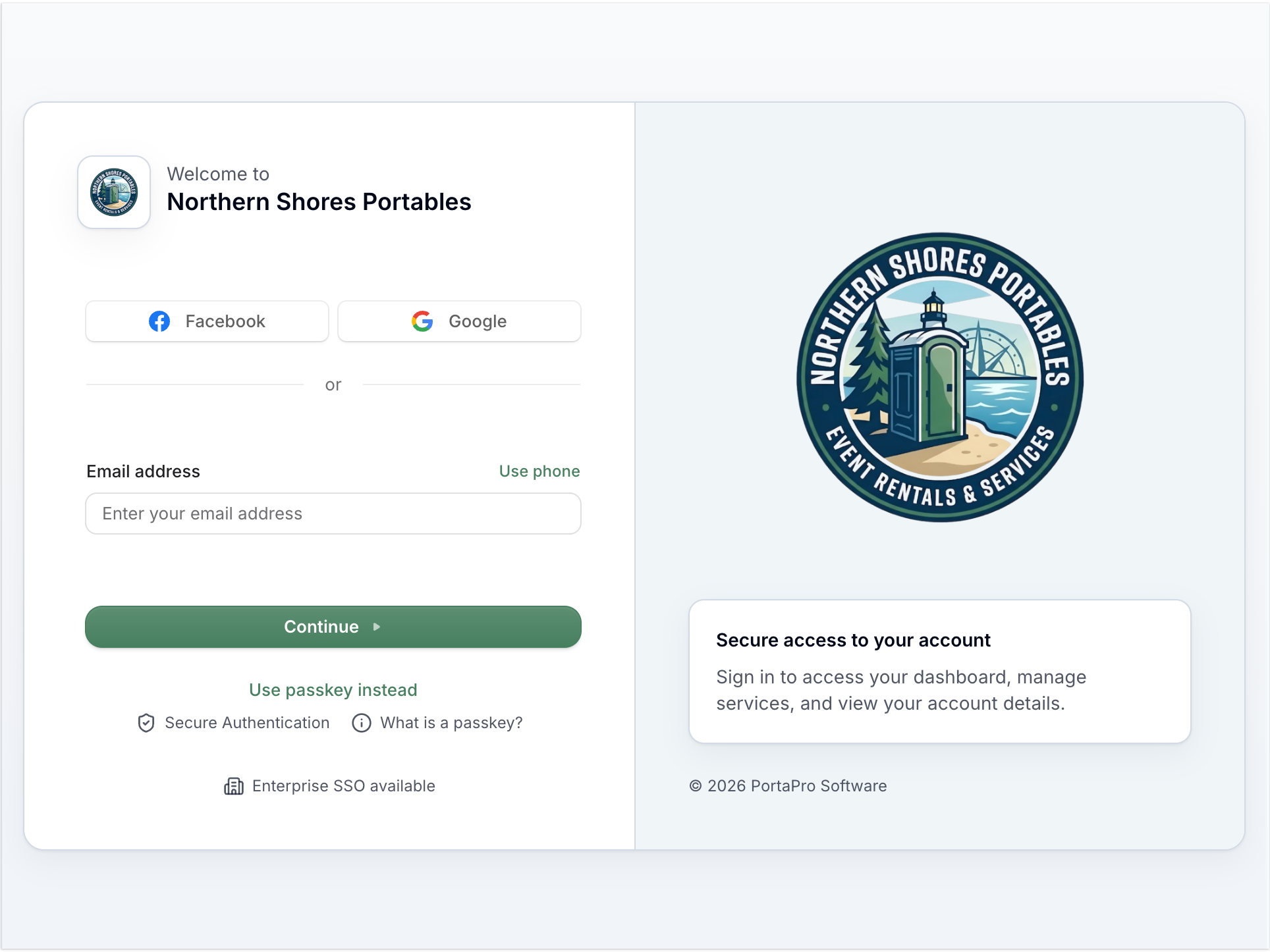
Your logo on the portal. Your name on every email. Customers never see PortaPro - they see you. Fully branded across login, customer portals, notifications, and every outbound message.
Instant Setup
Add your logo, pick your colors. No IT configuration, no implementation fee.
Legacy vs PortaPro
Legacy Software vs. PortaPro
See why operators are switching to real customer portals

Separate tools and manual setup steps slow rollout
Portal access turns on automatically when the customer is added
Generic experience that does not feel like your company
Portal and emails stay consistent with your company branding
Customers depend on phone calls during office hours
Customers log in anytime on any device with no training needed
Manual payment follow-up through calls, emails, and mailed invoices
Customers pay by card, ACH, or autopay directly in the portal
Customers call to ask for updates
Customers see everything in their portal anytime
See It In Action
See what your customers would log into
Try the interactive portal demo no signup required
Try Interactive DemoOperational Impact
What customers handle without calling
Get Started
Ready to give dispatch their day back?
Seven-day free trial. No contract. Simple setup.
Get started in under 2 minutes.